ParentSquare

ParentSquare is our district's all-in-one communication platform designed to keep families and schools closely connected. Integrated directly with Infinite Campus, ParentSquare brings classroom updates, school news, and direct messaging with teachers into one central place. Plus, it puts parents in control, allowing you to choose how you receive communications (text, email, or app) and when you receive them!
ParentSquare
Getting Started with ParentSquare for Parents and Guardians
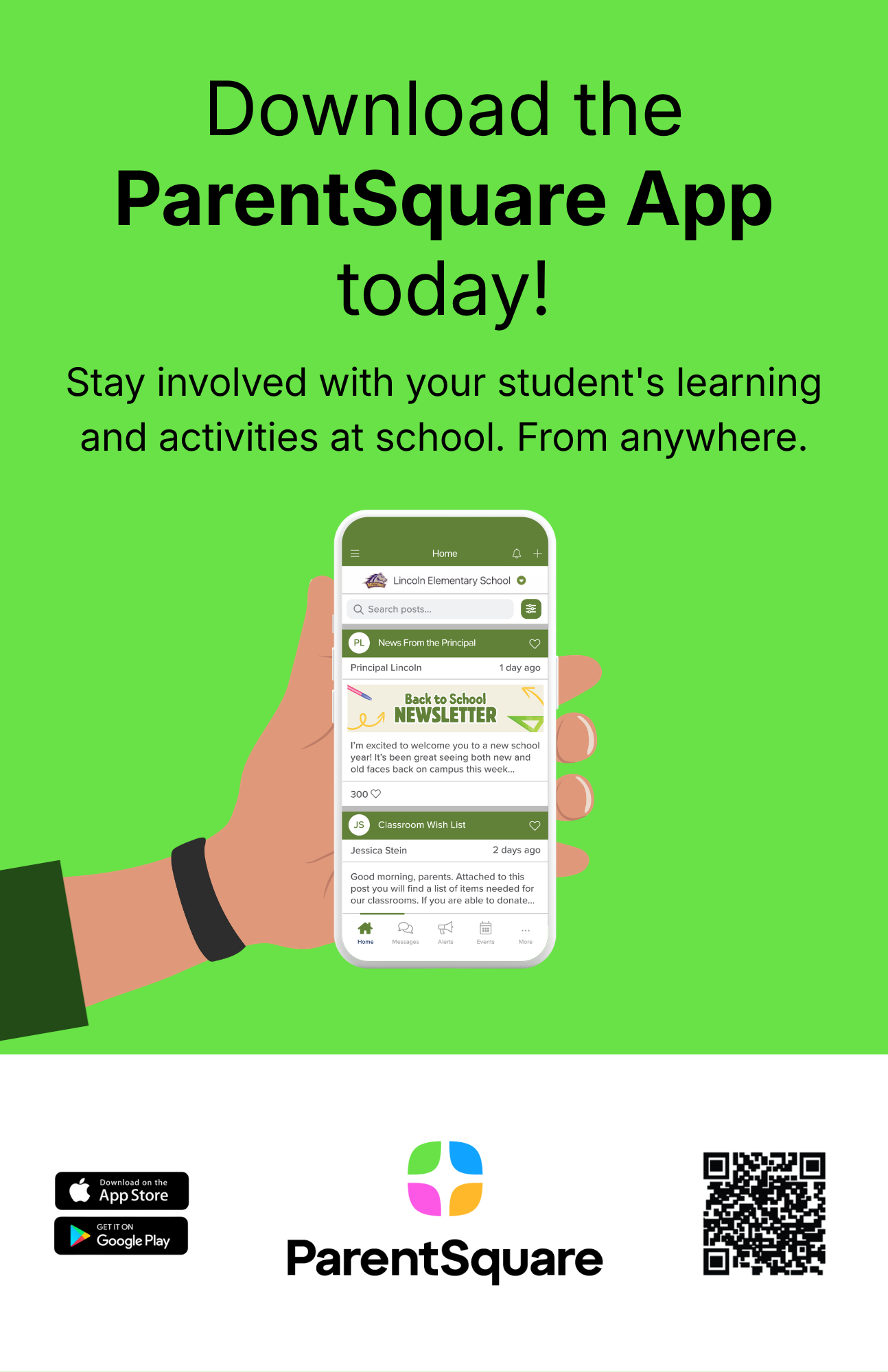
Welcome to ParentSquare! This guide will help you activate your account, find helpful resources, and download the free ParentSquare app to start receiving updates from your school.
Activate your ParentSquare account
Your school will send you an invitation using your email address or phone number on file.
- Open the invitation from ParentSquare in your email or text messages.
- Click Activate your account or tap the link to go to the account registration page.
- Enter your email or phone number, then click Get Started.
(Optional: You can also sign in with Google or Microsoft.) - Check your contact information. If it looks correct, click Confirm. You'll receive a code by text or email.
- Enter the verification code when asked.
- You'll see your children's names. Click Confirm next to each child who should be connected to your account.
If a child is listed by mistake, click Not my child. - If everything looks correct, click Yes, this is me.
Now you're ready to start using ParentSquare!
Contact your school if:
- A name is spelled wrong
- Your email address or phone number is incorrect
- A child is missing from your account
Access helpful resources
When you're logged in, you can access resources to help you with using ParentSquare:
- On a computer, click the question mark (?) in the top menu.
- In the app, tap the Help icon in the app.
You'll see these options:
- Contact School - Send a question to your school or find contact details.
- Help Articles - Search for answers or step-by-step guides.